


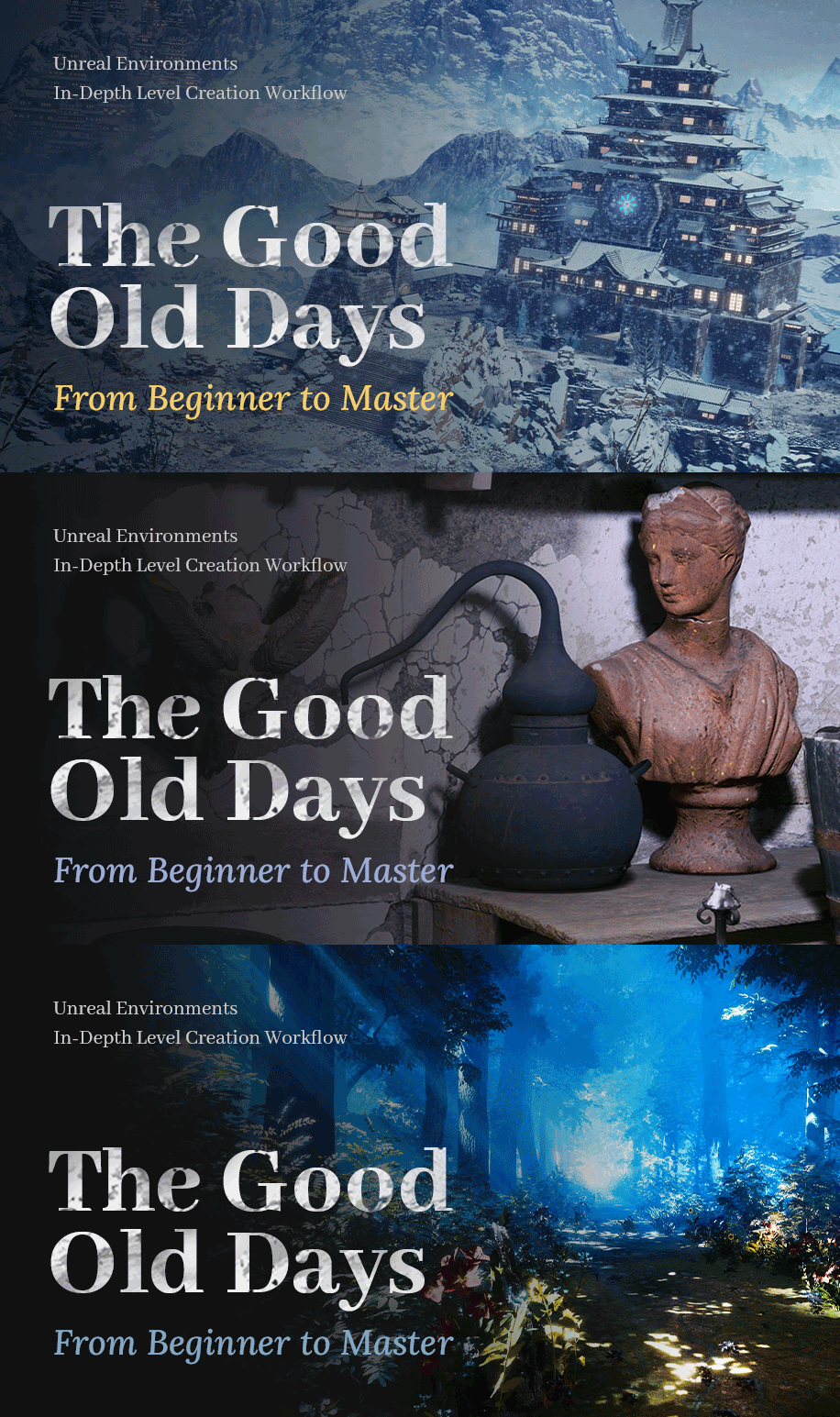
Unreal Environments In-Depth Level Creation Workflow: From Beginner to Master

Replay
WATCH NEXT FREE LESSON
Preview this course
5,099
English
$0.00 × 1
$149.00 $269.00 45 %off
$0.00 ×
1
$141.55
Buy Now
Add to cart
This course includes:
35
hours video
1
downloadable resource
Lifetime Access
Beginner / Intermediate


Gift this course
Share Get the 18% off
-- : -- : -- : --
Unreal Environments In-Depth Level Creation Workflow: From Beginner to Master
$149.00 $269.00 45%off
Plus's Price $141.55
Add to cart
Go to cart
Buy Now
Full Payment
Pre-registeration
Unreal Environments In-Depth Level Creation Workflow: From Beginner to Master
5,099
English
This course includes:
35
hours video
1
downloadable resource
Lifetime Access
Beginner / Intermediate
Gift this course
Share Get the 18% off
-- : -- : -- : --
120
Lessons
(Finish)
Intro
Trailer
 (4m 40s)
(4m 40s)
Chapter 1: Introduction of Unreal Engine 4
1.Overview about the tutorial
(8m 19s)
2.Introduction and basic operation about the software
(12m 37s)
3.Introduction of each panel in Unreal Engine 4
(23m 47s)
4.Customize panel and introduction of common knowledge
(12m 47s)
5.Project settings of Unreal Engine 4 and introduction of 3D view operation
(15m 36s)
6.Introduction of viewport show mode
(14m 9s)
Chapter 2: Basics of lights
7.Point light source and its basic attributes
(11m 12s)
8.Area light source, spotlight and IES profiles
(6m 41s)
9.Directional light and skyball
(14m 39s)
10.Sky light and common logical of light settings
(6m 27s)
Chapter 3: Basics of Quixel Mixer
11.Introduction and comparison between Adobe Substance and Quixel
(8m 58s)
12.Introduction of Quixel Mixer panel
(10m 13s)
13.Software basics of Quixel Mixer
(16m 33s)
14.Mask and common commands in Quixiel Mixer
(14m 23s)
15.Use of Quixel Mixer scanned materials
(9m 44s)
16.Material production and skills of using mask in Quixel Mixer
(9m 44s)
17.Settings and process of importing Quixel Mixer material into Unreal Engine 4
(6m 39s)
18.Snow material and logical of layer material in Quixel Mixer
(27m 24s)
18.1 logical of using scanned model to make new materials
(25m 51s)
18.2 Transform a picture into advanced vintage wall materials
(18m 2s)
18.3 Seamless material of scanned model - material production from nothing to something
(25m 14s)
Chapter 4: Basics of material
19.Explanation of common operations in content browser panel
(14m 2s)
20.Detailed explanation of material basic panel
(4m 17s)
21.Types of material and methods to observe
(13m 46s)
22.Repeatability of UV and production of movement
(15m 55s)
23.UV theory of Unreal Engine 4 and production of rotation
(16m 29s)
24.Linkage of PBR mother material and logical of template production
(24m 10s)
Chapter 5: Common nodes of material
25.Introduction of Add, Subtract, Multiply and Divide and Component Mask node
(14m 6s)
26.Introduction of Power, CustomRotator, Oneminus, Sine, Cosine and Time node
(16m 45s)
27.Introduction of Blend Overlay, Flatten Normal, Param, Normalize, Clamp, Dot Produc and ConstantBiasScale node
(30m 25s)
28.Theory and logical of production of snow, dust and moss materials
(8m 33s)
29.Introduction of Displacement, Fresnel, Lerp Value and VertexNormalWS node
(11m 17s)
30.Adjust intensity of normal and methods of overlapping detailed normal
(14m 13s)
31.Methods of making normal by black and white picture and custom material function
(13m 14s)
32.Create functional material of fixing stretch of model UV
(5m 29s)
Chapter 6: Basics of material and logical of its production
33.Decals material
(7m 51s)
34.Production of emissive material
(8m 46s)
35.Production of snow material
(12m 45s)
36.Advanced production of snow and logical of material production
(31m 15s)
37.Transparent material and blend material
(21m 46s)
38.Theory of Fresnel and world space vector of camera
(18m 40s)
39.Production of flowing effect
(14m 21s)
40.Normal and optimization of water surface effects
(10m 27s)
41.Production of touching transparent effect
(16m 9s)
42.Adjustment and optimization
(11m 40s)
43.Production of snow covering objects
(15m 59s)
44.Subsurface description profile and comparison of translucent effect made by Fresnel
(27m 39s)
45.Production of mother material of plants
(10m 52s)
46.Production of plant dynamic effect
(14m 6s)
47.vertex shader - paint masks on a model
(26m 2s)
Chapter 7: Landscape basics and production of landscape material
48.How to create landscape and introduction of usage
(14m 35s)
49.Explanation of landscape sculpting tools
(21m 49s)
50.Use black and white picture to make a landscape
(15m 49s)
51.Production of landscape layer material and material function
(17m 28s)
52.Production of landscape height projection effect and explanation of decal channels
(17m 45s)
53.The logical of failed material production
(25m 7s)
54.The use of foliage system - paint plants
(21m 7s)
55.Automatic scatter of landscape plants
(12m 12s)
56.Usage of landscape spline
(19m 4s)
57.Two types of logic of material production
(9m 52s)
58.Analysis of three materials in Bridge
(21m)
Chapter 8: Model settings and light baking
59.Logical of import and export in Maya and Unreal Engine 4 and modularization
(16m 16s)
60.Production of static mesh collision and introduction of collision
(15m 8s)
61.LOD and two sets of UV and introduction of baking basics
(13m 35s)
62.Analysis of baking theory and introduction of baking basics
(15m 29s)
63.Methods of manually setting LOD and two sets of UV
(15m 49s)
64.Light settings of baking and its basic parameters
(10m 16s)
65.Adjustment of objects and axis transformation in Unreal Engine 4
(13m 56s)
66.Static light, emissive objects and light baking
(15m 5s)
67.Introduction of fixed light and explanation of baking parameters
(11m 54s)
68.Introduction of movable light and detailed explanation of Lightmass settings
(11m 41s)
Chapter 9: Visual effects
69.Sky Atmosphere
(6m 58s)
70.Atmosphere fog
(6m 57s)
71.Exceptional height fog
(9m 18s)
72.Production of light fog and skills of shadow settings
(14m 58s)
73.Glow, exposure, lens flare and color adjustment
(17m 2s)
74.Highlight, GI, AO, LUT and high quality output
(13m 18s)
Chapter 10: Video rendering output
75.Introduction of sequence, camera, rig rail and rig crane
(13m 23s)
76.Explanation of sequence and camera - lens production
(14m 42s)
77.Process of rendering output and layer rendering settings (with Z channel)
(9m 37s)
78.Introduction of BSP and process of scene making
(32m 56s)
Chapter 11: Case 1: Baking - Into the Night
79.Project setting and import of scanned assets
(29m 42s)
80.Lens setting and simple production of scene
(16m 59s)
81.Create model assets in Maya
(16m 56s)
82.Create ground layer material with Quixel Mixer
(19m 30s)
83.Paint ground materials and adjusting light
(14m 7s)
84.Usage of decals and settings of reflection ball and Lightmass importance volume
(18m 56s)
85.Post-process effect settings and customize LUT production
(10m 15s)
86.High quality baking parameter setting and rendering output
(16m 5s)
Chapter 12: Case 2: Non-baking - Midsummer
87.Asset management and simple vibe scene construction
(25m 7s)
88.Production of landscape material and placing trees on both sides
(23m 57s)
89.Test of plants scatter effect
(27m 52s)
90.Camera settings and simplification of scene
(22m 46s)
91.Paint the road
(20m 46s)
92.Optimization of plants on both sides and production of shrubs
(31m 8s)
93.Manual light setting skills and production of light material
(33m 7s)
94.Adjustment of picture effect and initial rendering output
(35m 3s)
95.Foliage LOD settings and optimization of plants scatter parameter
(17m 21s)
96.Adjust the scene according to the initial rendering video
(17m 52s)
97.Replacement of scene plants
(11m 2s)
98.Lights and vibe adjustment
(17m 58s)
99.Rendering output and project migration process
(26m 18s)
Chapter 13: Additional knowledge
100.Project migration process
(11m 25s)
101.Modification of cache in Unreal Engine 4 and cohesion of speed tree
(7m 21s)
102.Comparison and analysis between Unreal Engine 4 and 5
(28m 5s)
Chapter 14: Additional case - Xianxia scene
103.Project settings and import of model
(22m 13s)
104.Add snow to architectures
(19m 41s)
105.Handling the large scale scene
(14m 4s)
106.Add snow to Bridge models
(17m 8s)
107.Handling the mountain in the background
(16m 15s)
108.Optimization of landscape
(21m 39s)
109.Analysis of blend material
(16m 50s)
110.Optimization of scene
(34m 9s)
111.Optimize scenes with snow
(11m 57s)
112.Production of architectures in distance
(15m 49s)
113.Production of cloud and fog
(15m 42s)
114.Light settings of architecture
(24m 59s)
115.Supplementary lighting and optimization
(15m 46s)
116.Optimization of the general scene and its logical
(6m 41s)
117.Analysis of rendering and post-process knowledge points
(19m 22s)
118.Ways of adjusting model scenes
(25m 1s)
119.Vibe and rendering settings
(22m 5s)
120.Post-process rendering and explanation
(29m 20s)
You must be purchased to post a comment.
Buy Now !
Start a Conversation
Ask a Question
Share a Project
Cancel
Post
There are no discussions for this course.
Buy now and unlock more
Go to see all discussions
Lecturer
危靜航
Please select the mode you want
Single
$
3 people
$x3
$149.00
$141.55
Add to cart
Go to cart
Buy Now
